Frequently Asked Questions
How do I reset my password?
Visit our Forgot Password page. If you're stilling having troubles,
The Team is here to help!
How do I upload my existing herd to start using HerdBoss?
The fastest way to get your herd started in HerdBoss is to use the Bulk Upload
function. Bulk Upload allows you to download an Excel file that you can enter all your animals in and
then, upload right into HerdBoss!
If you are unsure how to do that, send an email to The Team and we'd be happy to help!
Does HerdBoss support EID/RFID Readers?
Yes! In our iOS and Android apps, we have support for EID/RFID Readers.
Scanning a tag will have slightly different behaviors depending on what screen you're on.
For example, if you're on the main animal list, and you scan an unknown tag, it'll ask if you want to add a new animal with that tag.
But if you scan a known tag, it'll automatically bring up the record for the animal.
When you're viewing an individual animal, and you scan a tag, it'll bring up a side menu with options on what you'd like to do with
the tag. If it's a known tag and that animal is male, it'll offer you the option to connect that other male to the animal you're viewing,
and it'll offer to connect it to any of the currently empty male roles. For example, it'll offer to connect that as the Sire or the Dam-Sire, etc.
When you're doing a Bulk Action, scanning a known tag will automatically add it to the list of animals that you have selected for the bulk action.
In terms of which RFID Readers we support...
The HerdBoss iOS app supports any RFID Reader that uses Bluetooth LE (Low Energy) and it also has special,
built-in support for these "Made for iOS" readers:
- Allflex LPR Pocket Reader
- Allflex RS420 Stick Reader
- Agrident AWR250 Stick Reader
- Agrident AWR300 Stick Reader
- Agrident AWR600 Stick Reader
If you find another "Made for iOS" reader that you'd like to use, please email The Team and tell us which model and we'll contact the manufacturer so
we can get approval to integrate them into our app.
The HerdBoss Android app supports any RFID Reader that uses Bluetooth LE (Low Energy) or Serial Port Profile (SPP) with Bluetooth.
If you have any other questions, send an email to The Team and we'd be happy to help!
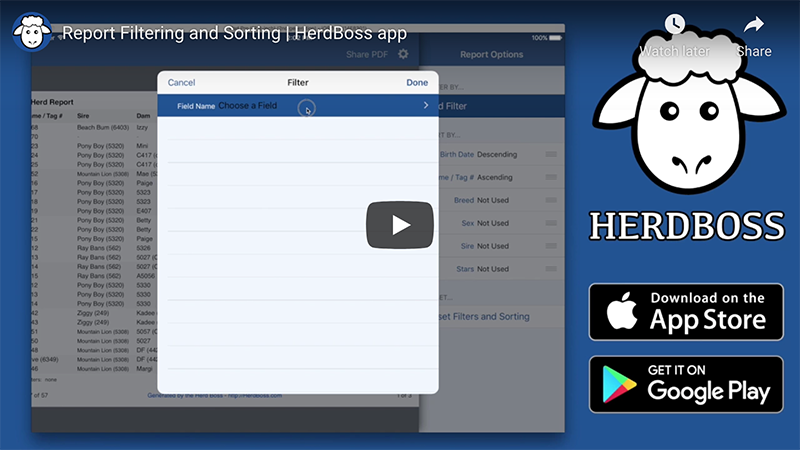
App Reports: How do I filter and sort reports?
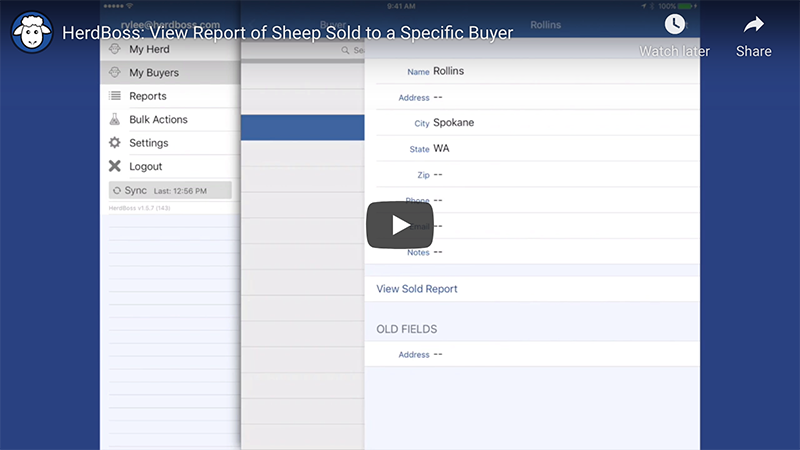
App Reports: How do I see a report of Animals sold to a specific Buyer?
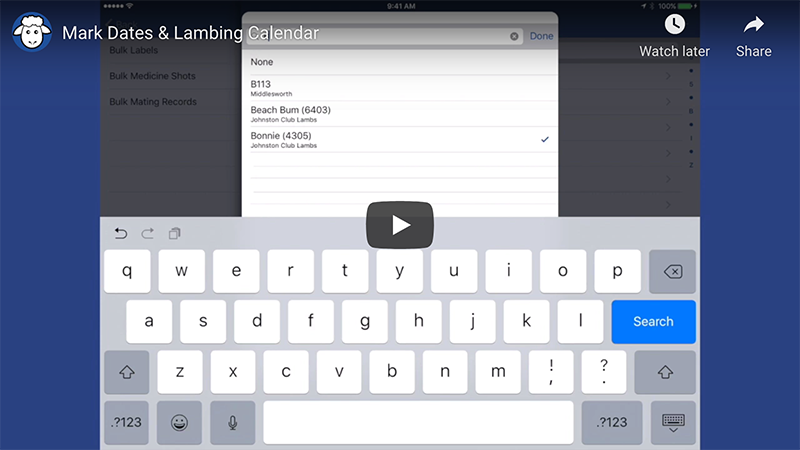
App Reports: How do I use the Lambing Calendar? (Kidding/Whelping/Calving Calendar)
How-To Manual
HerdBoss How-To Manual
Provides a step-by-step walkthrough on how to add Animals and their Offspring, track Medicines, Weight Records,
etc. Includes explanations of how to run Herd Reports and Ancestor Charts and how to export them to PDF.
HerdBoss
Demo/Student Scenario
Student Scenario Manual
Useful for educational environments to teach people how to use the app. It provides real-world
examples that students can follow which help them learn about common situations in Breeding as
well as learning how to track those events in the HerdBoss app.
